 Cert Pay Weekly
Guide
Certified payroll template: a spreadsheet that maps to the WH-347
A certified payroll spreadsheet template for subcontractors, with the tabs, columns and formulas that map your payroll export to the WH-347.
DOL's WH-347 is a fixed-layout form, which makes it awkward to fill straight from a payroll report. A spreadsheet in between does most of the work: paste in the week's payroll export and hours, and the sheet lines everything up in WH-347 column order, does the arithmetic and points at the problems.
This guide gives you that layout: four tabs, the columns on each, the formulas that matter and the checks to build in. It works in Excel or Google Sheets. It assumes you already know what each WH-347 column means; if not, read the WH-347 instructions first.
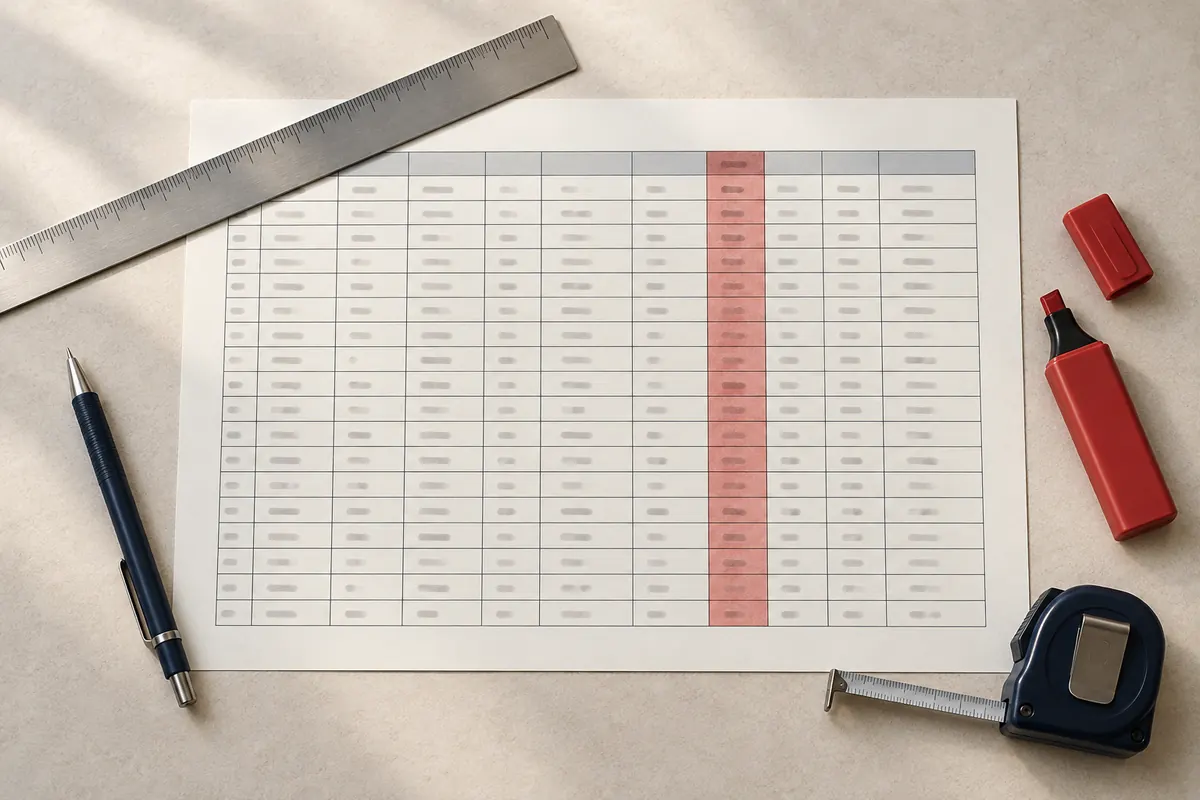
The four tabs
- Rates: the wage determination for each project.
- Pay: this week's payroll export, pasted as is.
- Hours: this week's hours by worker, project and day.
- WH-347: one block per project, in the form's column order, built from the other three.
Keep the template clean and save a copy per week (for example Certified payroll 2026-10-10.xlsx). Last week's copy is your record of what you submitted.
Tab 1: Rates
One row per classification you use, per project.
| Column | Example (illustrative) |
|---|---|
| Project | Riverside Elementary |
| WD number | The number and revision from the contract |
| Classification | Electrician |
| Base rate | 58.40 |
| Fringe rate | The hourly fringe from the WD |
| Key | Riverside Elementary~Electrician |
The Key column joins project and classification, so the WH-347 tab can look up both rates with one lookup. Build it with a formula such as =A2&"~"&C2.
Tab 2: Pay
Paste the week's payroll export here without editing it, then add these columns beside it, pointing at whichever columns your export uses:
| Column | What it holds |
|---|---|
| Worker key | Employee ID, or name if your export has no ID |
| Gross all work | Gross pay for the week (WH-347 column 7B) |
| Withholding | Federal plus state income tax withheld |
| FICA | Social Security plus Medicare |
| Other deductions | Everything else withheld |
| Net | Net pay (column 9) |
| Rate paid | Hourly rate, or regular pay divided by regular hours |
| Net check | Gross minus the three deduction columns, minus Net |
Net check should be zero on every row. If it is not, a deduction is missing from your columns.
Tab 3: Hours
One row per worker per project per day:
| Date | Worker key | Project | Hours |
|---|---|---|---|
| 2026-10-06 | 1001 | Riverside Elementary | 8 |
| 2026-10-06 | 1002 | Other jobs | 4 |
Use "Other jobs" for hours on work that is not on a prevailing-wage project. Those hours never appear on a WH-347, but on contracts covered by the Contract Work Hours and Safety Standards Act they count toward the 40-hour overtime threshold, so the sheet needs them.
If your time system exports this layout, paste it. If hours are on paper, type them in, or use a grid with workers down the side and days across.
Tab 4: WH-347
One block per project, one row per worker with hours on that project. The columns follow the form.
| WH-347 column | Formula idea |
|---|---|
| 1A Entry no. | 1, 2, 3 down the block |
| 1B-1D Name | Look up from Pay by worker key |
| 1E Identifying no. | Last four of the SSN or the employee ID, never the full SSN |
| 2 J or RA | Typed: J or RA (with the apprentice's level) |
| 3 Classification | Typed, from the classifications on the Rates tab |
| 4 Hours each day | SUMIFS on Hours by worker, project and date |
| 5 Total hours | Sum of the day columns |
| 6A Rate paid | Look up Rate paid from Pay; OT rate is 1.5 times it |
| 6B Fringe credit | Total hours times your hourly credit for bona fide plans |
| 6C Cash in lieu | Total hours times the hourly cash in lieu you pay |
| 7A Gross this project | ST hours times rate, plus OT hours times 1.5 times rate, plus 6C |
| 7B Gross all work | Look up from Pay |
| 8 Deductions | Look up withholding, FICA and other from Pay, then total |
| 9 Net | Look up from Pay |
Hours per day for one worker on one project, with the worker key in A5, the project name in B1 and the date in the column header in row 4:
=SUMIFS(Hours!$D:$D, Hours!$B:$B, $A5, Hours!$C:$C, $B$1, Hours!$A:$A, H$4)Splitting straight time and overtime
The form wants ST and OT on separate lines. The simplest reliable approach is to total each worker's hours for the week across all projects (including Other jobs) on a helper tab, and take anything over 40 as overtime. Which project the overtime lands on depends on when it was worked; a common approach is to count it on the hours worked after the 40th, day by day. Do this by hand for the few workers who go over 40 rather than with a formula you cannot check.
Checks to build in
Add a Check column at the right of the WH-347 block, and a formula for each of these. Format any failing cell red.
- No classification: column 3 is blank.
- Below base rate: rate paid is less than the base rate looked up from Rates.
- Below base plus fringe: rate paid plus hourly fringe credit plus hourly cash in lieu is less than base plus fringe.
- Unpaid overtime: the worker's week is over 40 hours but the pay export shows no overtime pay.
- Not in payroll: the worker has hours but no row on the Pay tab.
- Hours mismatch: total hours on Hours differ from the hours paid on Pay.
- Project gross too high: 7A is more than 7B.
For the base rate check, with the project in B1, classification in G5, rate paid in Q5 and the Key column in Rates column F:
=IF(Q5<XLOOKUP($B$1&"~"&G5, Rates!$F:$F, Rates!$D:$D), "Below base rate", "")From the sheet to the form
Once every check is clear, copy each project's block into DOL's fillable WH-347 (linked from DOL's WH-347 page), fill the header and page 2, and have your certifying official sign. Number each project's payrolls in sequence from 1.
Most of the weekly time goes into getting hours by project right, and it grows with every project you add.
Or let the template run itself
Cert Pay Weekly does what this template does, from the same two files. You upload your payroll export from Gusto, QuickBooks or ADP and your hours by project from a timesheet export or a weekly grid. It builds one WH-347 per prevailing-wage project, runs the checks above before you sign, and emails reminders until you mark each report submitted. It produces the federal WH-347 PDF; it does not file to LCPtracker or state portals today.
A sign-ready WH-347 from your payroll export, every week
Upload your payroll export from Gusto, QuickBooks or ADP plus hours by project from your timesheet or a weekly grid. Get a WH-347 for each prevailing-wage project, ready to sign, with reminders until it is submitted.
$79/ month
Get startedCancel any time.